
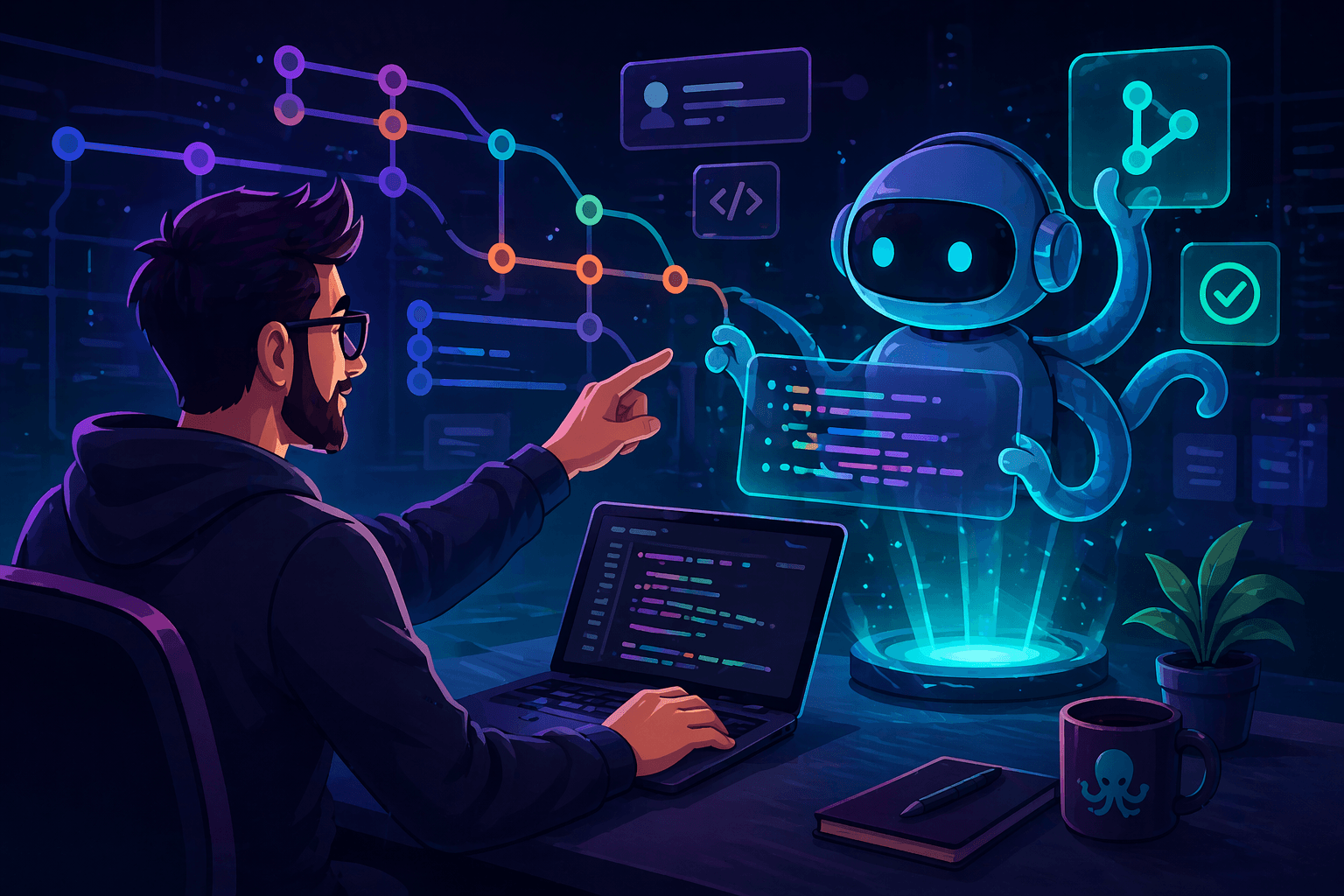
GitKraken Desktop 12.0 Introduces Agent Mode — One Panel to Launch, Monitor, and Manage All Parallel AI Coding Agent Sessions
AI / Machine Learning | 4 min read
GitKraken (Scottsdale, Arizona), the world's leader in premier Git tools for software developers, has announced GitKraken Desktop 12.0 — a major release that introduces Agent Mode, a dedicated view for launching, monitoring, and managing multiple AI coding agent sessions from a single interface. AI coding agents — including Claude Code, Codex CLI, GitHub Copilot, Gemini CLI, and OpenCode — have fundamentally changed what is possible in software development. But the workflows supporting them have not kept pace: developers running multiple agents currently face a terminal per session, manual Git worktree creation from the command line, status checked by switching windows repeatedly, and orphaned worktrees accumulating on disk after PRs merge. The cognitive load of managing multiple parallel agents can exhaust even experienced engineers — leading most developers to default to running one agent at a time not because they cannot run more, but because managing more is not worth the friction. GitKraken Desktop 12.0 is built to close that gap.
"We are at an inflection point in the history of building software. The developers who will win in this new world won't be those who write the best code or prompt the best. They'll be the ones who maximise multi-agent output while maintaining control, at scale. GitKraken Desktop 12.0 enables developers to remain at the centre of their development process, while agents write more and more of the code. This is the biggest launch in GitKraken's history of helping millions of developers safely increase productivity."
— Matt Johnston, Chief Executive Officer, GitKraken
Agent Sessions View — The Management Layer That Was Missing
At the heart of Agent Mode is the Agent Sessions View — a unified dashboard in the Left Panel displaying every active agent session and worktree as a card, without switching terminal windows. Each card shows the branch, uncommitted changes, ahead/behind state, and associated pull requests, with real-time status indicators showing whether the session is running, waiting for input, or complete. When an agent needs attention, a bell icon and "Waiting for input" label appear directly on the card — allowing developers to see which session needs a response without switching to the terminal first. GitKraken's signature Commit Graph has been extended to include every active worktree, giving developers a live picture of exactly where each agent is working, what it has committed, and how its changes relate to the rest of the codebase. This is the key differentiator: other tools show only whether an agent is running — GitKraken Desktop shows the full code history, agent status, and location of the agent within the codebase simultaneously. Spinning up a new agent session — previously a multi-step CLI ritual involving manual worktree creation, dependency installation, and agent launch — now takes a single interaction: type a branch name, select an agent, click Start. GitKraken Desktop handles worktree creation, setup commands, dependency installation, and agent launch while leaving the developer's primary working directory completely untouched. When work is done, one click removes the worktree — no orphaned directories, no cleanup debt.
"GitKraken is the one tool I couldn't live without. I use Claude Code, I use Codex — but I always have GitKraken Desktop open, because I need to know what's going on with different agents and different branches. When you can visually see what's happening, it's a true agentic superpower."
— Dr. John Ennis, Chief Executive Officer, Aigora
Democratising Parallel Agentic Development and GitKraken Insights
Until now, parallel agent workflows using Git worktrees were effectively limited to developers with deep command-line experience. GitKraken Desktop 12.0 abstracts that complexity entirely — meaning any developer on a team, junior or senior, can now participate in parallel agentic development. The embedded multi-session terminal supports independent terminal sessions per worktree in a single tab, switching automatically when switching worktrees. For engineering leaders, GitKraken Insights complements Agent Mode by tracking commit frequency, cycle time, and agent-assisted output across the team — giving leaders visibility into whether the shift to agentic development is taking hold and measuring its impact on team productivity. A 12.0.1 patch released on 18 April 2026 addressed an issue in the initial release where Claude Code hooks were installed without user notification or opt-out capability, with GitKraken moving to a more frequent release cadence going forward to keep pace with the rapid change in developer needs.
Key Takeaways
- • GitKraken (Scottsdale, Arizona; CEO Matt Johnston; world's leader in premier Git tools for software developers; millions of developers) has released GitKraken Desktop 12.0 — introducing Agent Mode, a dedicated view for launching, monitoring, and managing multiple AI coding agent sessions from a single interface. Supported agents: Claude Code, Codex CLI, GitHub Copilot CLI, Gemini CLI, and OpenCode. Described by GitKraken as the biggest launch in its history.
- • The problem Agent Mode solves: managing multiple parallel AI coding agents currently requires a terminal per session, manual Git worktree creation from CLI, status checked by switching windows individually, and manual worktree cleanup after PRs merge. Cognitive load makes most developers default to running one agent at a time — not because they cannot run more, but because the management overhead is not worth the friction. Agent Mode eliminates that overhead by providing structural command over parallel sessions rather than reactive per-agent checking.
- • Agent Sessions View: unified dashboard in the Left Panel — every active agent session and worktree shown as a card with branch, uncommitted changes, ahead/behind state, and associated PRs. Real-time status indicators: running / waiting for input (bell icon) / complete. Commit Graph extended to include all active worktrees — showing full code history, agent status, and agent location in the codebase simultaneously. One-click session creation (type branch name + select agent + click Start — GitKraken handles worktree creation, setup commands, dependency install, agent launch). One-click cleanup after PR merge. Primary working directory left completely untouched throughout.
- • Democratisation of parallel agentic development: previously limited to developers with deep CLI experience. Agent Mode abstracts worktree management entirely — any developer (junior or senior) can now run parallel agent sessions. Multi-session embedded terminal with independent sessions per worktree in a single tab, auto-switching on worktree change. GitKraken Insights (for engineering leaders): tracks commit frequency, cycle time, and agent-assisted output across the team — measuring whether the shift to agentic development is taking hold and quantifying its productivity impact.
- • 12.0.1 patch (18 April 2026): addressed an issue where Claude Code hooks were installed without user notification or opt-out capability, and where existing Claude Code configurations could be broken. GitKraken has committed to a more frequent release cadence going forward — moving from monthly releases to keep pace with rapid change in developer needs in the agentic AI market. Hooks are now manageable from Preferences > External Tools, and GitKraken will no longer automatically reinstall Claude Code hooks after removal.