
WWDC 2025: Visual Intelligence Turns Screen into Smart Spaces
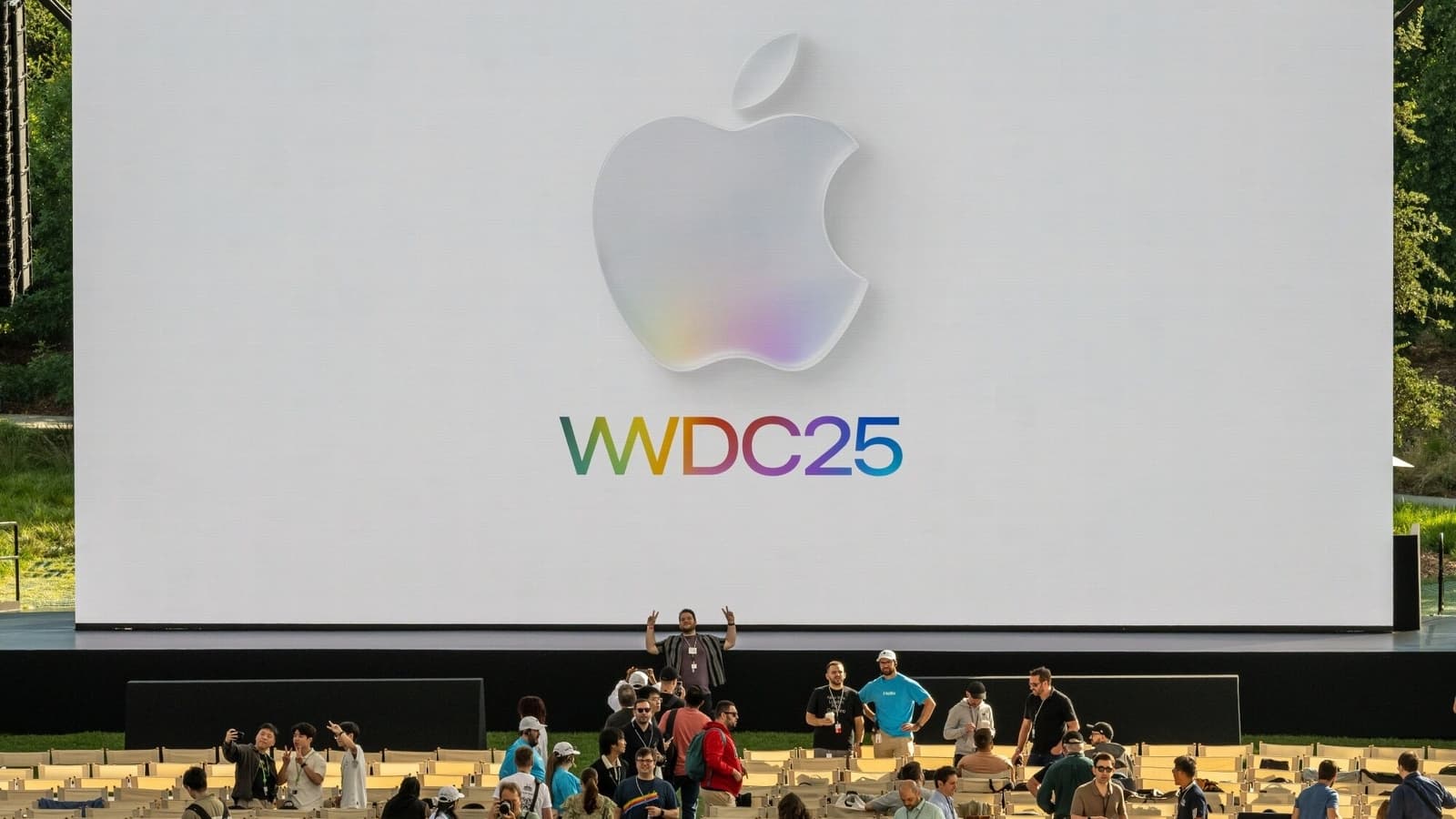
Apple’s Worldwide Developers Conference (WWDC 2025), streamed live from Apple Park in Cupertino, California, focused less on hardware dazzle and more on refined software, deeper AI integration, and a fresh design ethos.
Tim Cook set the tone, stating, “This year, we’re not just upgrading features—we’re elevating the entire Apple experience.” Let’s unpack the most significant announcements.
Visual Intelligence: Apple’s Most Tangible AI Leap
- Interact with screenshots to identify objects, translate text, or create calendar events.
- Generate Genmoji and images in Messages and Notes.
- Recognise content in any app with contextual actions like search, save, or share.
- Operates on-device or via Private Cloud Compute for heavier tasks.
Visual Intelligence is central to Apple’s intelligence strategy—powering real-time translations, object recognition, and content summaries across apps.
iPhone: AI for Everyday Tasks
The iPhone is at the center of Apple Intelligence. Users can now:
- Tap into screenshots for actionable insights using Visual Intelligence.
- Use Live Translation during phone calls.
- Generate stories, summaries, or replies with Siri powered by ChatGPT-4o.
Siri + ChatGPT Features:
- Summarise emails and web pages.
- Generate content like stories and replies.
- ChatGPT integration is opt-in and privacy-focused.
Key Upgraded iPhone Apps
- Phone: Includes Hold Assist and Call Screening.
- Messages: Supports Genmoji, polls, translations, and effects.
- Mail: Features AI summaries and Writing Assist.
- Photos: Enhanced with object/person recognition and natural language search.
- Safari: Offers instant webpage summaries and previews.
- Notes & Calendar: Smart automation based on content recognition.
macOS 26 (Tahoe): AI for Desktop Flow
macOS 26 brings AI-powered search, automation, and redesigned Control Centre. Apple Intelligence supports cross-app workflows and content generation.
The updated Photos app matches iOS’s capabilities, while Notes, Mail, and Calendar integrate AI deeply to streamline professional productivity.
iPadOS 26: Bridging iPad and Mac
iPadOS 26 delivers:
- Windowed multitasking and improved keyboard navigation.
- Visual Intelligence in Split View and Slide Over.
- Full external display support and smoother interactions via Liquid Glass.
Apple aims to deliver Mac-level functionality with iPad’s touch-based flexibility.
watchOS 26: Smarter on Your Wrist
Workout Buddy introduces intelligent coaching with adaptive motivation, real-time tracking, and integration with Apple Health.
- Adjusts workout intensity based on performance.
- Offers real-time encouragement.
- Includes intuitive gesture-based controls for hands-free interaction.
Home & tvOS 26: Quiet but Useful
tvOS 26 adds faster Siri, better AirPlay, and a redesigned Home app with personalised automations and scene recognition for improved smart home management.
AirPods: Smarter Audio
AirPods Pro now include:
- Voice isolation for video recording.
- Motion gestures—nod to accept, shake to reject calls.
- Remote shutter control for iPhone camera.
visionOS 26: Spatial Widgets and More
visionOS 26 improves multitasking and gaming:
- Supports PlayStation VR2 controllers.
- Enhanced Mac Virtual Display for productivity.
- Spatial Widgets: Pin glanceable widgets in your environment.
New SDKs support collaborative spatial experiences across education and design industries.
Developer Highlights: Apple Intelligence API Access
For the first time, developers gain access to Apple’s foundation models through APIs. Apps can:
- Summarise documents and long content.
- Suggest replies based on user behavior.
- Use Visual Intelligence to interpret visual content contextually.
Etsy and TripIt showcased integrations that enhance product discovery and travel planning through screen recognition and automation.
OS Naming: Unified Versioning
Apple has streamlined its OS names—now labeled iOS 26, macOS 26, iPadOS 26, watchOS 26, tvOS 26, and visionOS 26—to reflect a unified ecosystem strategy.
Compatibility and Release Timeline
Apple Intelligence runs on:
- A17 or newer iPhones
- M1 or newer Macs and iPads
Older devices will receive standard OS updates, excluding AI features. Developer betas are available now, with public betas in July and final release in September.
Distilled
WWDC 2025 wasn’t flashy—but it was foundational. Apple delivered carefully crafted AI integrations and cross-platform polish. With tools like Visual Intelligence, Liquid Glass, and spatial widgets, Apple is building an ecosystem that’s not just smart—but intuitive, secure, and built to last.
WWDC 2024 hinted at Apple’s AI direction. WWDC 2025 cemented it—intelligently and quietly shaping a more responsive future.